
Keyword Explorer
Evaluate the demand, competition, value, intent, and SERP pattern behind one target before committing resources.
SearchSignal combines Keyword Explorer, ideas, bulk analysis, lists, SERP context, intent, and opportunity scoring in the same project workspace the agent can query.
A keyword metric matters only when it changes what you build. SearchSignal keeps the demand signal, commercial value, difficulty, trend, intent, and SERP pattern together so an agent can recommend the right page type, supporting cluster, and implementation order.
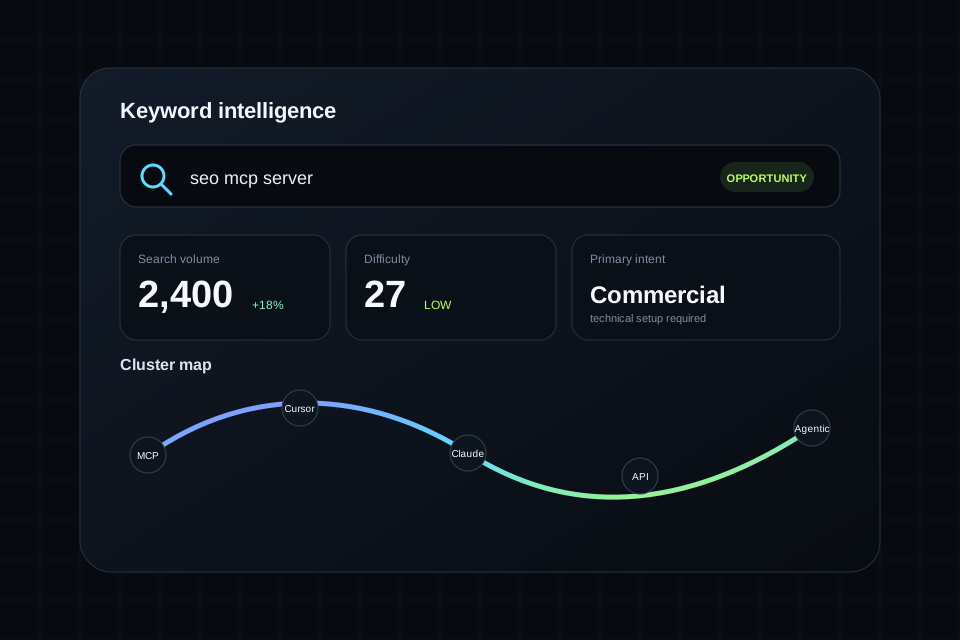
SearchSignal preserves enough detail for a person to review the reasoning and enough structure for a model to turn the result into work.
Evaluate the demand, competition, value, intent, and SERP pattern behind one target before committing resources.
Discover related terms, questions, supporting topics, and alternative angles without immediately hitting a paid wall.
Paste a large set, score terms together, sort the results, and push the strongest candidates into project lists.
Use a combined signal to identify terms where demand, difficulty, relevance, and the project context align.
Preserve the targets chosen for a project so future agent calls use the same strategy rather than starting over.
Carry the search landscape into a content brief, outline, or implementation prompt instead of reducing the research to one number.
Start with a seed keyword, inspect intent and SERP shape, and determine whether the query belongs in the product, resource, comparison, or content layer.
Use ideas and bulk analysis to group the primary target, supporting questions, comparisons, and internal-link opportunities.
Ask for the winning page type, outline, entities, internal links, and the route or template needed to ship it.
The best prompts name the project, request the supporting evidence, and specify the format of the handoff.
Free metrics are clearly labeled estimates. Pro adds licensed Google Ads volume, CPC, and difficulty data plus Google organic SERP data through DataForSEO.
Yes. Bulk Analyze is part of the published SearchSignal feature set and can sort, filter, export, or save keyword sets.
Yes. explore_keyword is one of the core public examples for the MCP and API connection.
Yes. SearchSignal is designed to move from keyword and SERP research into briefs and drafts inside the same workspace.
Create a free workspace, connect the client you already use, and put this capability inside the agent workflow.