
Content briefs
Turn a chosen keyword and SERP pattern into titles, outline structure, entities, terms, questions, and targets.
SearchSignal moves from saved keyword research and competitor context into outlines, entities, supporting terms, targets, AI writing, and compact workspace packs for the agent doing the work.
A strong content workflow defines the intent, page type, SERP pattern, topics, entities, questions, internal links, and conversion path first. SearchSignal attaches that research to the project and packages it for the model, reducing generic drafts and strategy drift.
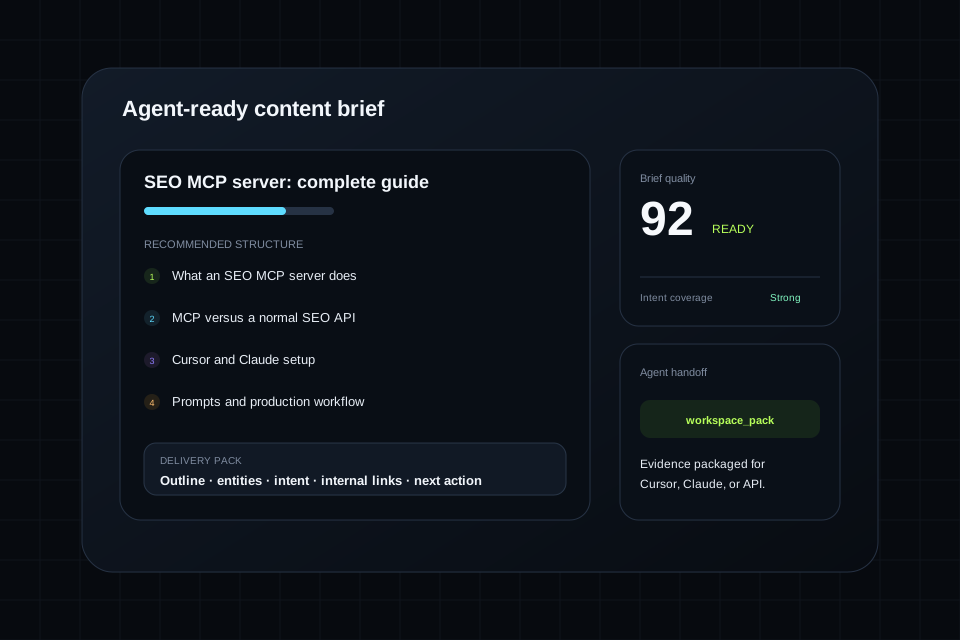
SearchSignal preserves enough detail for a person to review the reasoning and enough structure for a model to turn the result into work.
Turn a chosen keyword and SERP pattern into titles, outline structure, entities, terms, questions, and targets.
Decide whether the query requires a product page, integration guide, solution page, comparison, tool, or educational article.
Connect the new page to existing authority and identify the supporting pages the cluster still needs.
Move from outline to sections and revisions without purchasing a separate writing workflow.
Return the current project context, evidence, priorities, and target in a compact packet for the agent.
Hand the strategy to Cursor or Claude so it can work with the actual route, components, design system, and repository.
Start from keyword, competitor, ranking, or opportunity evidence already saved to the project.
Define the page's intent, differentiation, structure, entities, questions, internal links, and conversion path.
Use the AI Writer or send the workspace pack to the coding or writing agent that can create the final page in the real system.
The best prompts name the project, request the supporting evidence, and specify the format of the handoff.
The published feature set includes suggested titles, outline structure, entities and terms, and word-count targets.
Yes. The AI Writer is described as supporting outline generation, section drafting, revision tools, and research context.
A workspace pack is a compact agent-ready briefing that carries the useful project context into a model or coding environment.
Yes. The core product position is to retrieve current SearchSignal project context from Cursor, Claude, and other connected clients.
Create a free workspace, connect the client you already use, and put this capability inside the agent workflow.